How to Build an AI-Ready Tech Stack
Build AI into workflows by establishing clean data, reliable integrations, and accessible systems — no sci-fi architecture required.
TL;DR
An "AI-ready" tech stack focuses on having clean data, reliable integrations, and the ability to integrate AI into real workflows. This requires accessible systems of record, an integration layer (APIs, iPaaS, or event bus), a workflow layer, safe AI services, and observability/governance. Operations and technology leaders can adopt three reference stacks (Enterprise, Engineering, Lightweight) and adapt them without complete rebuilds.
What "AI-ready" really means (in plain operational terms)
Most teams assume "AI-ready" requires data lakes and complex MLOps platforms. In reality, you need a stack where:
- Operational data is accessible and not locked in spreadsheets or legacy silos
- Core systems expose APIs or events so workflows can span multiple tools
- An integration layer moves data and triggers workflows without humans as intermediaries
- Logging, monitoring, and permissions prevent AI-driven workflows from becoming compliance nightmares
The goal is to add AI-powered steps — classification, summarization, enrichment, decision support — into existing workflows with minimal friction rather than requiring six-month infrastructure projects.
Start with outcomes, then shape the stack around them
Before selecting tools, identify which 2-3 workflows actually need AI and automation improvement in the next 6-12 months:
- Ticket triage and routing
- Document intake and extraction (invoices, contracts, forms)
- Customer or employee onboarding
- Internal approvals (discounts, access, budget)
Once you know the target workflows, answer these grounded questions:
- What data do these workflows need?
- Which systems does the workflow cross?
- Where should AI sit (classifying, summarizing, recommending)?
- Where will humans review or override?
This approach builds a stack sophisticated enough to support specific workflows — not a generic "AI platform" no one uses.
The 5 pillars of an AI-ready tech stack
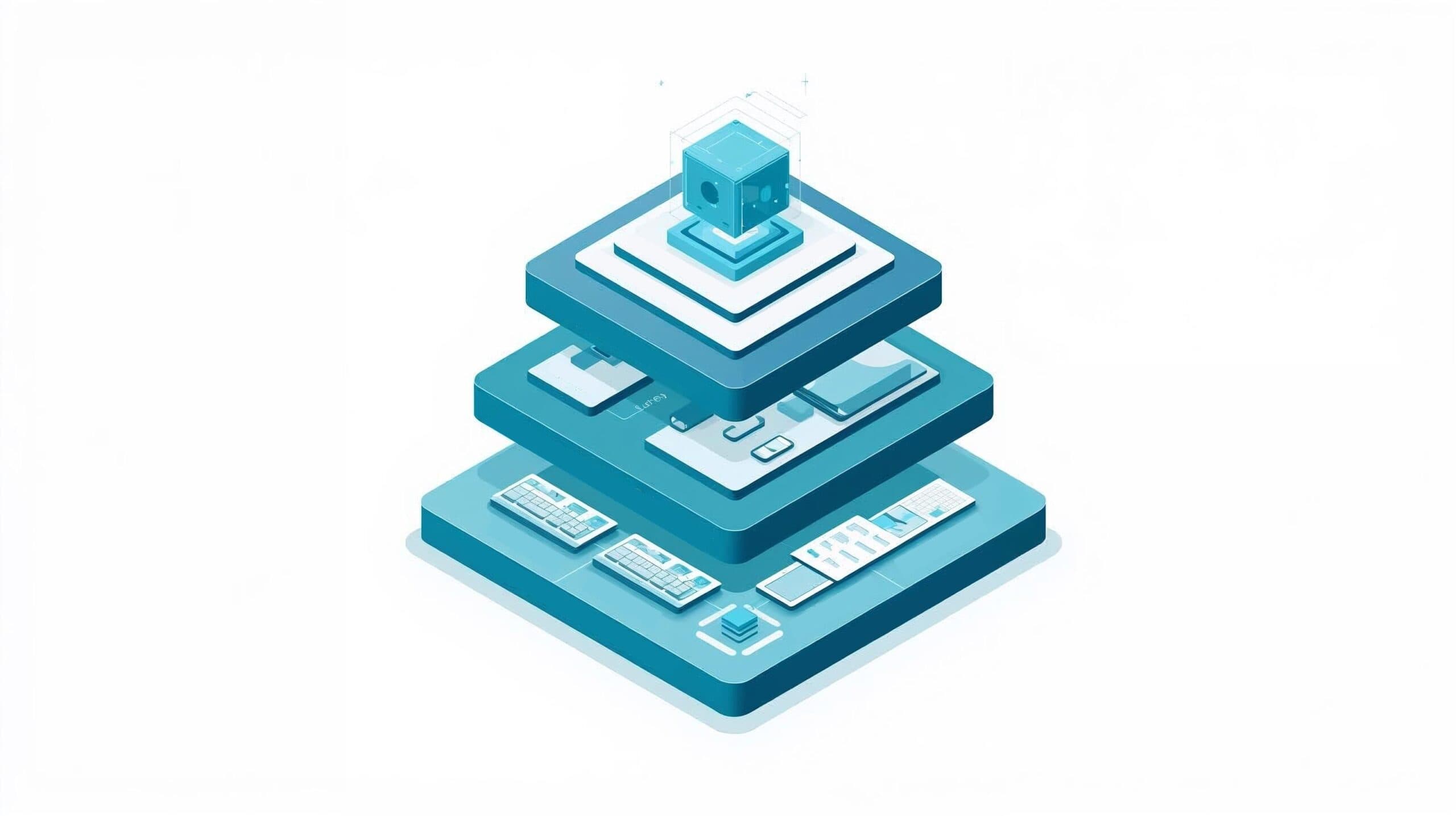
An AI-ready stack consists of five layers:
- Systems of Record (SoR)
- Data Layer
- Integration Layer
- Workflow & Automation Layer
- AI, Observability & Governance
1. Systems of record: stop the data chaos
Your stack quality depends on your systems of record:
- CRM (customers, deals, accounts)
- ERP / billing (orders, invoices, payments)
- HRIS (people, roles, access)
- Support / ITSM (tickets, issues, requests)
For AI-readiness, you need stable systems:
- Clear "source of truth" for key entities (customer, invoice, ticket)
- Basic hygiene: minimal duplication, clear ownership, and consistent IDs
If you constantly debate whether metrics come from CRM or billing, foundational work is necessary before AI can add value.
2. Data layer: make operational data accessible
AI workflows need to read and sometimes write data across systems. An AI-ready stack typically includes:
- A central data warehouse/lake or well-managed "data fabric" so operational data isn't trapped in each application
- Basic data governance: ownership definitions, and quality checks (deduplication, validation)
You don't need a full-blown data platform initially, but you should:
- Know where data lives for workflows you care about
- Have a way to query and join it (SQL, API, or BI tool)
The objective is not "build a lakehouse." It's "stop making analysts scrape data from five UI screens whenever AI needs context."
3. Integration layer: replace humans as the message bus
Many teams today have people serving as the integration layer. An AI-ready stack introduces integration middleware that can:
- Listen to events in system A
- Transform and route data
- Trigger workflows or AI calls in system B, C, or D
Typical options include:
- iPaaS / workflow tools for SaaS integration (Zapier, Make, Workato, etc.)
- Enterprise integration (ESB, Mulesoft, event bus like Kafka) for larger environments
- Custom integration services (Node/FastAPI, etc.) for engineering-led organizations
Research emphasises that a unified integration layer is one of the strongest predictors of AI-readiness, enabling end-to-end workflows and event-driven automation instead of fragile, one-off scripts.
4. Workflow & automation layer: orchestrate the steps
This layer encodes actual workflows that AI participates in:
- Intake → classify → route
- Document → extract → store → notify
- Request → summarize → recommend → approve
Depending on size and skills, this layer might be:
- Low/no-code orchestrators (Logic Apps, Power Automate, Zapier, Make, n8n)
- Serverless functions / microservices (Azure Functions, Vercel/Netlify functions, FastAPI services)
- Workflow engines (Temporal, Airflow) for complex, long-running processes
This layer should:
- Call AI services with structured prompts
- Enforce rules (thresholds, validation, escalation)
- Log every decision and route exceptions to humans
5. AI, observability & governance
Finally, plug actual AI into the stack, including:
- LLM / AI services (OpenAI, Azure OpenAI, etc.)
- Optional vector stores and RAG for retrieval-heavy use cases
- Monitoring & logging for workflows and AI behaviour (success_rate, exception_rate, error cases)
- Security & access control so AI components have appropriate permissions and no more
An AI-ready stack treats AI like any other production component: versioned, monitored, audited, governed. Not "some sidecar script someone wrote during a hackathon."
Three reference stacks you can copy (and adapt)
Use these as mental models — you don't have to match them exactly.
Stack A — Azure enterprise stack
Best for: enterprise clients; security/compliance-heavy environments; Microsoft-heavy shops (O365, Azure AD, Dynamics).
Core components:
- LLM: Azure OpenAI
- Workflow: Azure Functions / Durable Functions for logic; Logic Apps for low-code workflows
- Integration: Logic Apps + Service Bus/Event Grid (event distribution)
- Data: Azure SQL / Cosmos DB, Azure Storage for docs & logs
- Observability: Azure Monitor / Application Insights
- Security: Azure API Management as API gateway & control plane
Typical pattern:
- Event: "New ticket" or "New invoice" in ServiceNow, Dynamics, etc.
- Logic App triggers on the event and posts to a Function
- Function fetches context from DB/CRM, calls Azure OpenAI with a structured prompt
- Function returns JSON back to Logic App
- Logic App routes, updates systems, or sends to a human review queue (Teams/email/internal UI)
- Application Insights logs everything
This stack excels when you need deep integration with existing enterprise systems plus strong governance.
Stack B — Open-source engineering stack
Best for: engineering-led companies; startups or tech organizations comfortable with Docker, infrastructure, and code; teams wanting more control and less SaaS lock-in.
Core components:
- LLM: OpenAI API or open-source models (Ollama, vLLM, etc.)
- Workflow: n8n orchestrator for multi-step workflows
- Data: Supabase/Postgres as DB & auth; vector DB (Supabase vector, Qdrant, etc.) for RAG
- Deployment: Docker/Kubernetes for running services
Example pattern (Document Intake → Extract → Store → Notify):
- User uploads a contract/invoice via a simple web app
- Backend stores file in object storage
- n8n workflow (triggered by webhook) downloads, extracts text, and calls LLM for structured JSON
- Workflow validates and writes parsed fields into Postgres
- Slack/email notifications for anomalies or approvals
This provides a flexible, code-first environment structured enough for repeatable operational workflows.
Stack C — Lightweight serverless stack
Best for: SMBs or teams without internal engineering; founder-led operations where speed matters more than architectural purity; fast experiments that remain safe and observable.
Core components:
- Workflow: Make or Zapier
- LLM: OpenAI API via HTTP steps
- Data: Airtable, Notion, or Google Sheets
- UI: Retool, WeWeb, or simple internal forms for review/approvals
- Logic: Optional Vercel/Netlify functions for custom logic or structured JSON responses
Typical pattern:
- Trigger: new form submission, email, or sheet row
- Make/Zapier scenario collects context and calls OpenAI via HTTP
- Parse JSON, write into Airtable/Notion/Sheets
- Optionally send to Retool for human review and override
This stack is ideal for standing up working AI-assisted workflows in days rather than months — with trade-offs in control and scalability.
How to evolve your stack without rewriting everything
You likely already have pieces of these stacks. The goal is to sequence upgrades intelligently.
A practical path:
- Map your current systems and manual integrations — where are people copy-pasting between tools? Where are CSVs the main integration mechanism?
- Pick an integration approach appropriate to your size — iPaaS or workflow tools first, then heavier integration only where needed.
- Introduce basic observability — centralize logs, track success/error/exception rates for automated flows.
- Wrap legacy systems with APIs or minimal adapters — don't refactor everything; build connectors so AI workflows can read and write safely.
- Add AI as just another service — start with classification, summarization, and extraction in one or two workflows. Use structured prompts and human-in-the-loop patterns for safety.
How this connects back to AIF
In the broader Arios Intelligence Framework:
- Phase 2 — Process Inventory & Prioritization selects the right workflows to focus on, where stack upgrades will actually pay off.
- Phase 3 — Data & System Readiness creates a System Integration Map, Data Readiness Snapshot, and Stack Recommendations customized to your environment.
- Phase 4 — Workflow & Solution Design plugs AI components into that stack with clear guardrails, human-in-the-loop, and architecture diagrams.
This article provides the "how to think about your stack" foundation; the framework turns that into a concrete, sequenced roadmap.
Wrap-up
An AI-ready tech stack is not a luxury architecture project. It's a practical foundation that makes your data accessible, connects your systems reliably, lets AI plug into workflows as just another service, and keeps you compliant and observable as you automate more.
Start with 2-3 workflows, shape your stack around them, and evolve from there. The right stack isn't the fanciest one — it's the one that lets your operations team ship reliable AI-powered workflows without fighting the infrastructure every step of the way.
Frequently asked questions
What is an AI-ready tech stack?
An AI-ready tech stack is a set of systems where business data is accessible, integrations are reliable, workflows can be triggered programmatically, and AI outputs can be monitored safely.
Do I need a data lake before using AI?
No. Many businesses can start with clean systems of record, APIs, workflow automation, and clear governance before investing in a full data lake or advanced MLOps platform.
What makes a workflow ready for an AI agent?
A workflow is ready for an AI agent when the trigger is clear, the required data is accessible, the allowed actions are defined, and success can be reviewed through logs or dashboard metrics.